
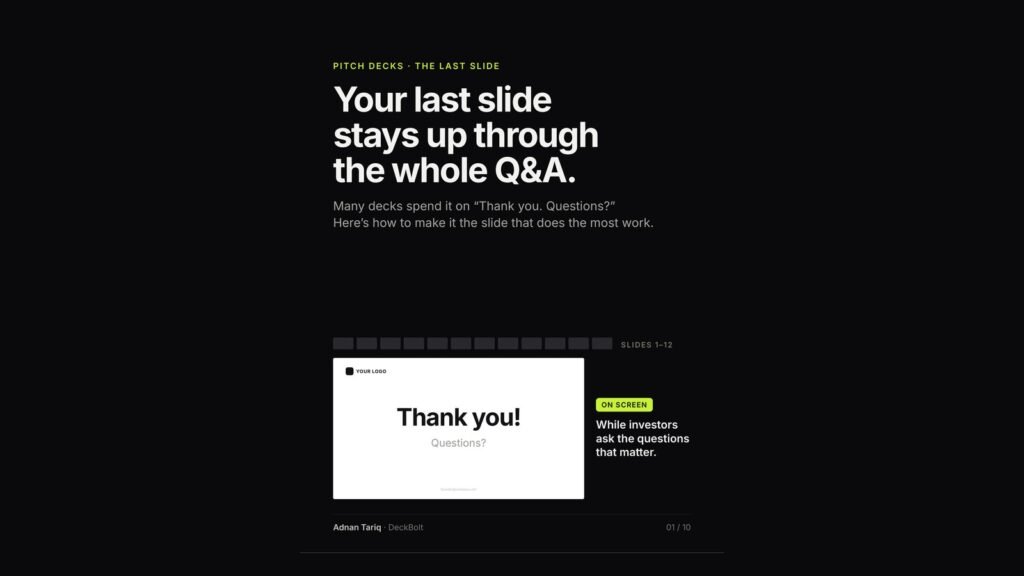
Many pitch decks end on “Thank you. Questions?” That slide then stays on screen through the whole Q&A, while investors ask the questions that matter. Here is how to make it the slide that does the most work.
Where the screen time goes
In a live pitch, Q&A happens on your last slide. In an illustrative 45-minute meeting, slides 1–12 get about two minutes each, roughly 20 minutes in total. The last slide stays up for around 24 minutes, while the real conversation happens.
- Sent as a PDF, it is the last page they read, right before they decide whether to reply.
- On a video call, it stays shared, behind every face, for the whole discussion.
The usual version says nothing
“Thank you. Questions?” is polite. It is also empty, at the moment everyone is paying attention:
- No reminder of what you do. Anyone who joined late, or forgot, gets nothing.
- The ask is gone. Your most important number has left the screen.
- The contact is an afterthought. Small, faint and easy to miss.
The fix: a summary, not a sign-off
Four parts. Someone who only sees this slide should still know who you are and what you want. No new information, just the four things you want them to leave with:
- What you do, in one line.
- Three proof points.
- The ask, and what it gets you to.
- One next step, and how to reach you.
1 and 2: Repeat your one-liner, then add three proof points
Use the same words as your cover slide. In the illustrative example: “Stock tracking for independent pharmacies. Fewer expired shelves, fewer missed orders.” Then add the three facts you would want repeated after the meeting: 62 pharmacies paying today, +12% revenue growth a month over the last six months, and founders who ran pharmacy operations for 10 years.
Why repeat it? People join late, step out, or forget the opening. The last slide is your second chance at the first line. (More on writing that line in our post on cover slides.)
3: Keep the ask on screen, tied to a milestone
An amount alone invites “for what?” “We’re raising $1.5M” leaves investors asking what for, and for how long. Add how long it lasts and what it gets you to: “Raising $1.5M for 18 months of runway, to reach 400 paying pharmacies.” Use the same figures as your Ask slide. (See our post on the Ask slide.)
4: End on one specific next step
Vague endings get vague replies. Give them one clear thing to say yes to, and make yourself easy to reach:
- Instead of “Questions?”, write “Next step: a 30-minute product demo this week.”
- Instead of “Let’s talk!”, write “Next step: two calls with our customers.”
- Instead of “Contact us”, type your email as live text, at 14 pt or larger.
Type the email as text, not inside an image. In the PDF, people can copy it. Add a link and they can click it.
The last-slide check
Five yeses before the deck goes out:
- Could someone who missed the first ten minutes tell what you do?
- Are these the three facts you would want quoted after the meeting?
- Is the ask on screen, with what it gets you to?
- Is there one specific next step?
- Can they copy your email straight from the PDF?
Tip: keep backup slides behind it, in an appendix. Jump to them during Q&A, then come back.
The company, figures and contact details above are illustrative.
Make your last slide work as hard as your first. Send your deck over for a free review. We will tell you what investors are likely to remember, and what to fix first. Request a free deck review.